PC or phone. Come over and play.
Pets on Windows and Android can visit one another. On stream or off, a little hello can brighten an ordinary day.
Meet the neighborsPC ⇄ Android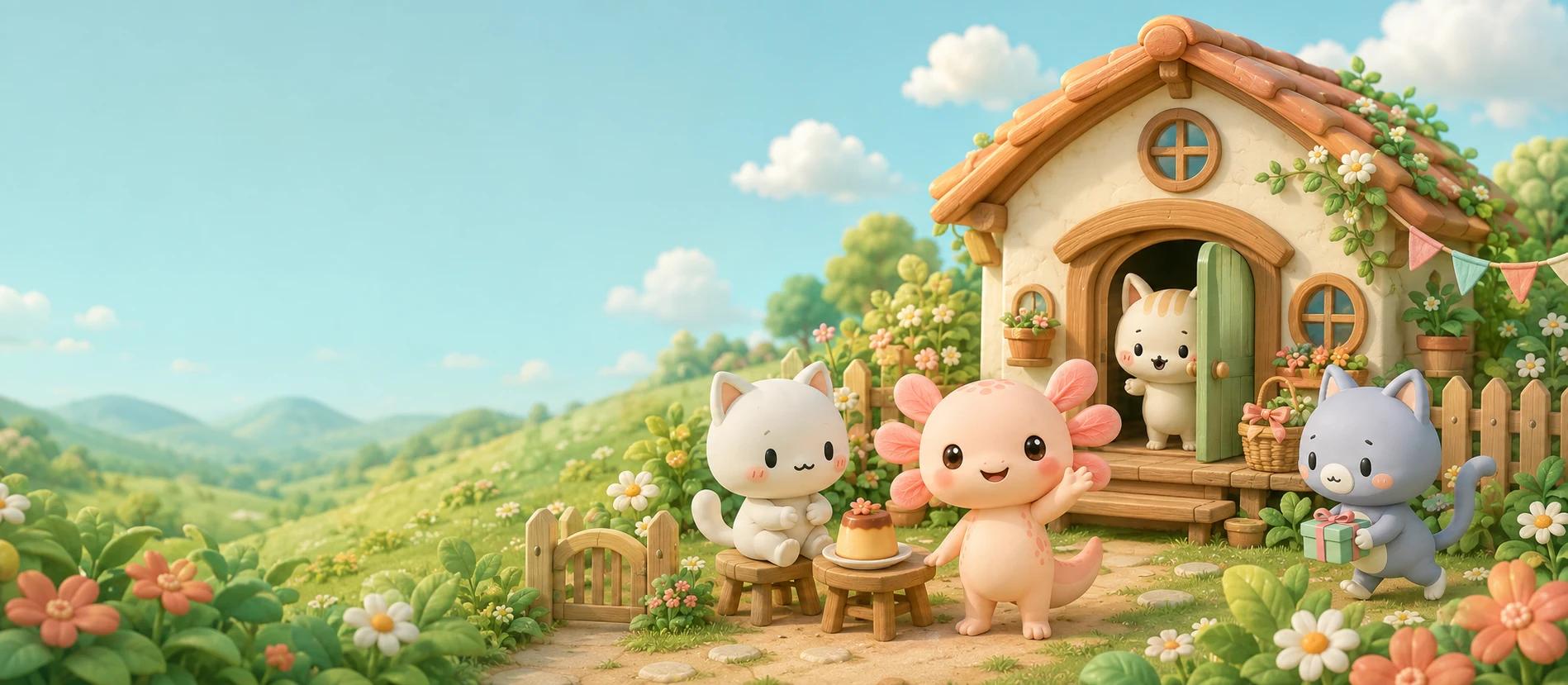
For streaming days and quiet days. Free open beta.
A tiny housemate
to grow with you.
Care, music and visits between PC and phone. Meet the latest Minst in about 90 seconds.
Pets on Windows and Android can visit one another. On stream or off, a little hello can brighten an ordinary day.
Meet the neighborsPC ⇄ AndroidShare a little concert with your other pets. Each of the three growth stages has three tunes, so the music changes as they grow.
Instrument volume and mute, separately adjustableSee time remaining for walks, crafting and time with friends, right at home. Walk discoveries stay until you close them, ready to enjoy at your own pace.
Explore everyday lifeMinst PocketAndroid
A little company between the busy bits of your day. Care for your pet, make furniture and welcome friends — right on your phone.
The Android open beta is now available on Google Play.
Meet Pocket in the video above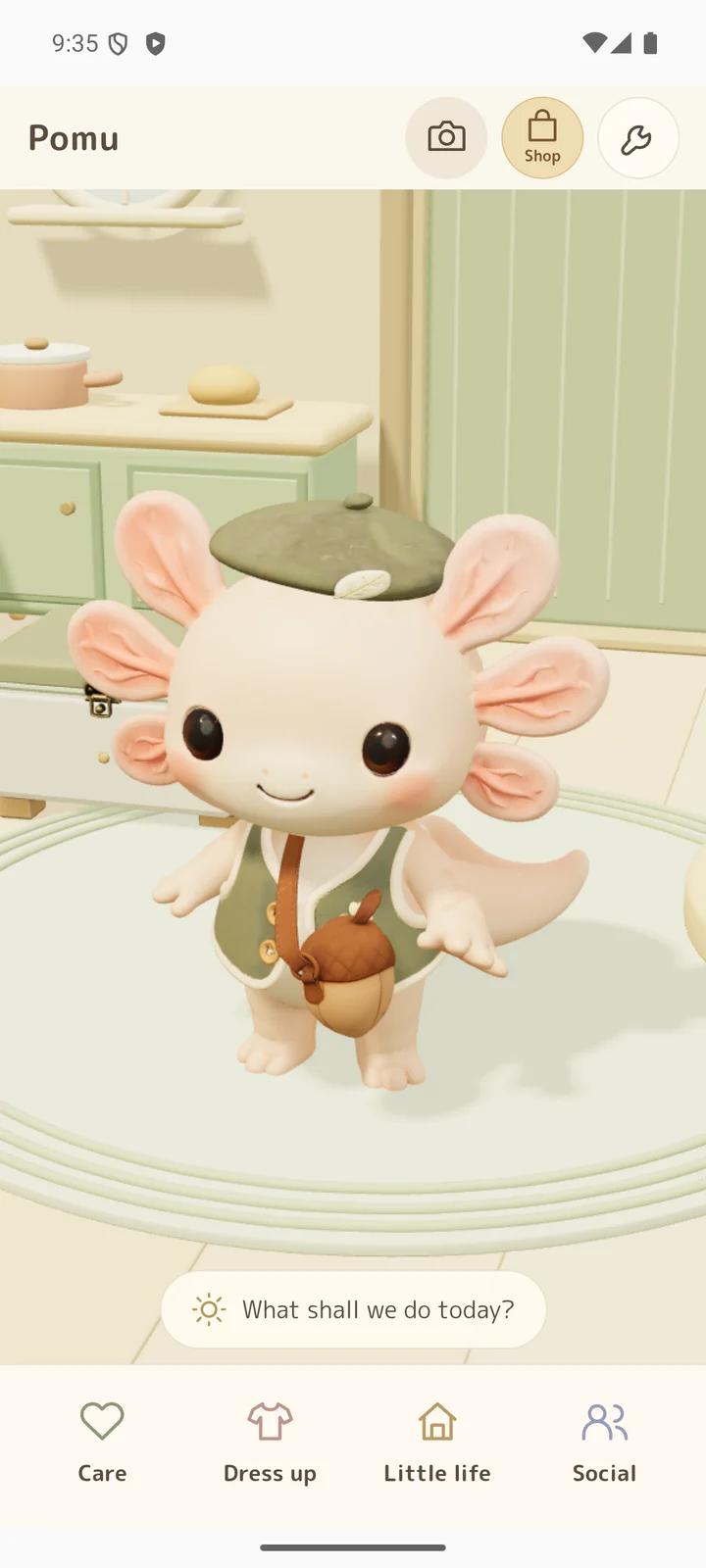
A snack, a gentle pat. A little closer every day.
Actual app screens · staged play examples
Choose to link with the same Google account and take turns caring on PC and phone. Your pet, room and belongings stay together. PC-only play still needs no Google sign-in; streaming tools stay on PC.
On streaming days, and on quiet days at home.
In the little house next door, your pets’ lives go on.
Meet someone without knowing their name, and make your stream a little easier, too.
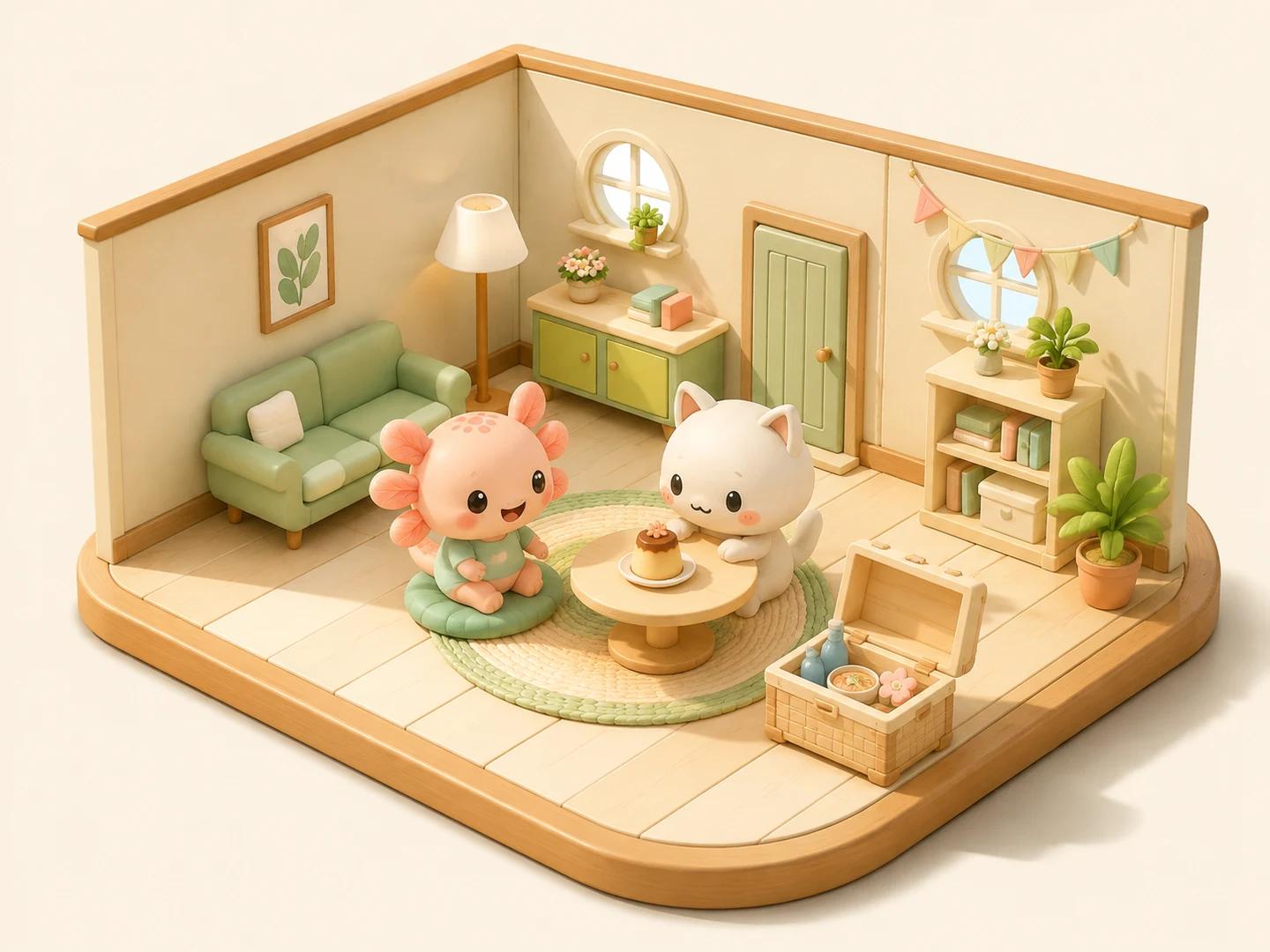
Grow a flower, brew some tea, make something together.
Time together grows into skills, favorites, and memories.
A little outing, or a guest at the door.
Small encounters, without sharing channel names.
A hello for a first comment. A thank-you for a Super Chat.
Viewer and like counters, too—all in one app.
No need to rush. They’re happy here.
A first flower. A drawing with a name of its own.
Time together becomes creations and memories to keep.
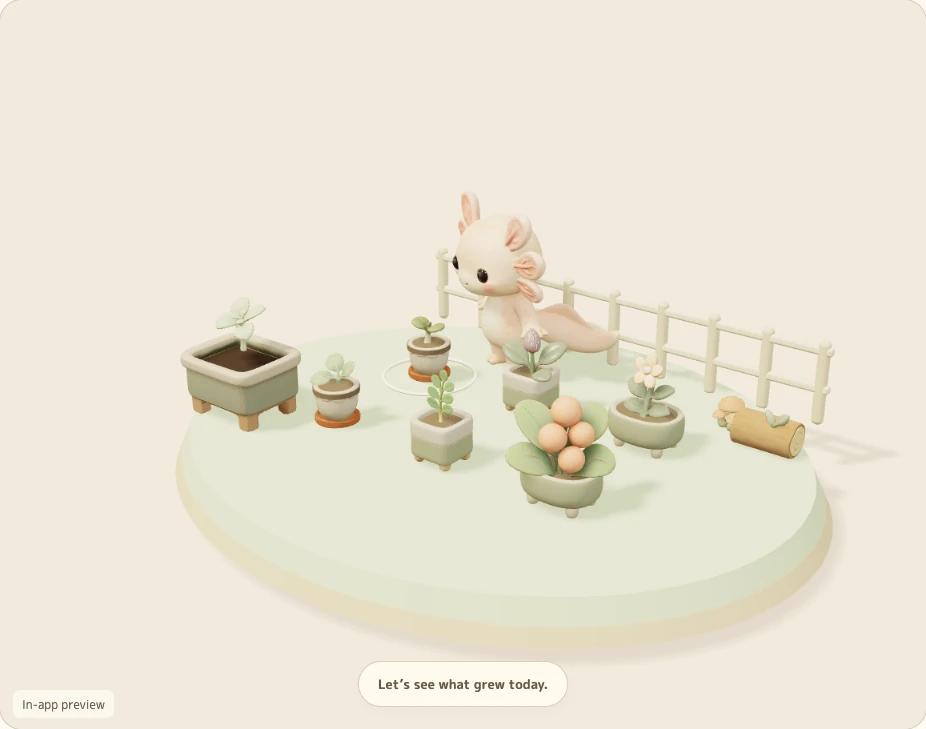
Choose a color and a pot, then plant a seed. Gather flowers, leaves, and berries to use in your creations. Discover six plants and grow them in six pots.
Plants never wither. Give them a little water, then let life take its time.
Your first five minutes with PomuA little discovery today. Something lovely to work toward tomorrow.
Begin with a little vase, candle or herb pouch. Gather materials in the garden and on walks, and discover new recipes as you go. There is more to make, one little discovery at a time.
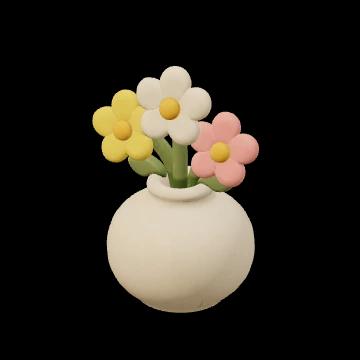
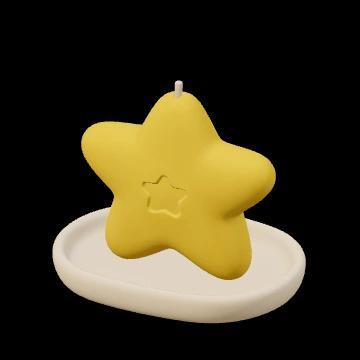

Visits from other players and Rapiusa leave a stamp for each pet type. Fill a card for crafting materials, and collect adorable trophies at 30, 100 and 200 stamped days.
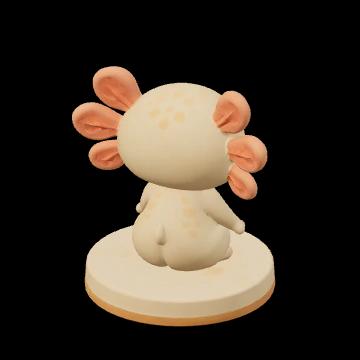
One stamp per pet type per day (Japan time). Your collection keeps growing at your pace.
Some walks may bring a wonderfully rare treasure. What will it be? Its name and shape are a little secret, waiting for you to discover.
Enjoy these features in the latest PC version and the Minst Pocket open beta on Android.
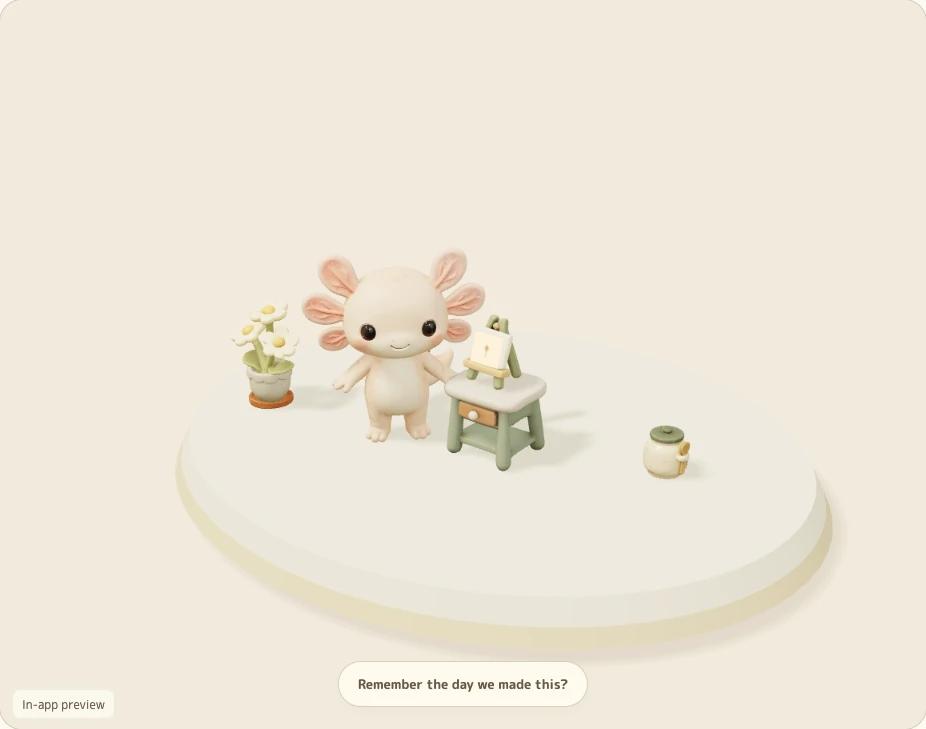
As skills grow, older work keeps its original look. Name your favorites, display them at home, and look back on how far you have come together.
Plants never wither, and there is no daily obligation. Gentle progress while you are away gives you something to come home to.
Confirmed time on your own live stream automatically grows companion experience. Enjoy your stream, then read your pet’s report afterward.
“Look, the one with that hat is back!”
Get to know each visitor by their pet and the outfits that make them unique.
On Windows or Android, turn on regular social visits and let pets drop by one another’s homes. Streamers and people who never stream can all share the same little neighborhood.
Your custom pet name and stream URL are not shared with your host.
The streamer opens a private room and shares a five-character code. Viewers can join with their own pets from General Mode on Windows or Social on Android.
Viewers do not need a chat app. Joining a private room replaces regular social visits until you leave.
Whose home? A secret. That little face? Unforgettable.
Keeping count, welcoming viewers, and saying thank you.
The everyday tools your stream needs are finding a home in Minst.
Run either app on the same PC as Minst. Add greetings, thank-you reactions, and a cute counter to your YouTube or Twitch stream.
Turn on Export to connect.
Also supports subscriber and follower totals, plus automatic YouTube reaction effects.Set up OneCommeConnect through the WebSocket Server.
No extra actions or plugins. Works with Streamer.bot 1.0.7 or later.Set up Streamer.botSwitch comment apps and keep your room, items, points, and OBS URLs.

Show stats from OneComme or Streamer.bot. Hang the counter in your pet’s room, or add just the counter to OBS with a transparent background. It is useful even when your pet stays out of the spotlight.
OneComme also supports subscriber and follower totals. These two values show “—” with Streamer.bot. Unavailable, disconnected, or stale counts also show “—”.
A greeting with your viewer’s name—and a happy little gesture, too.
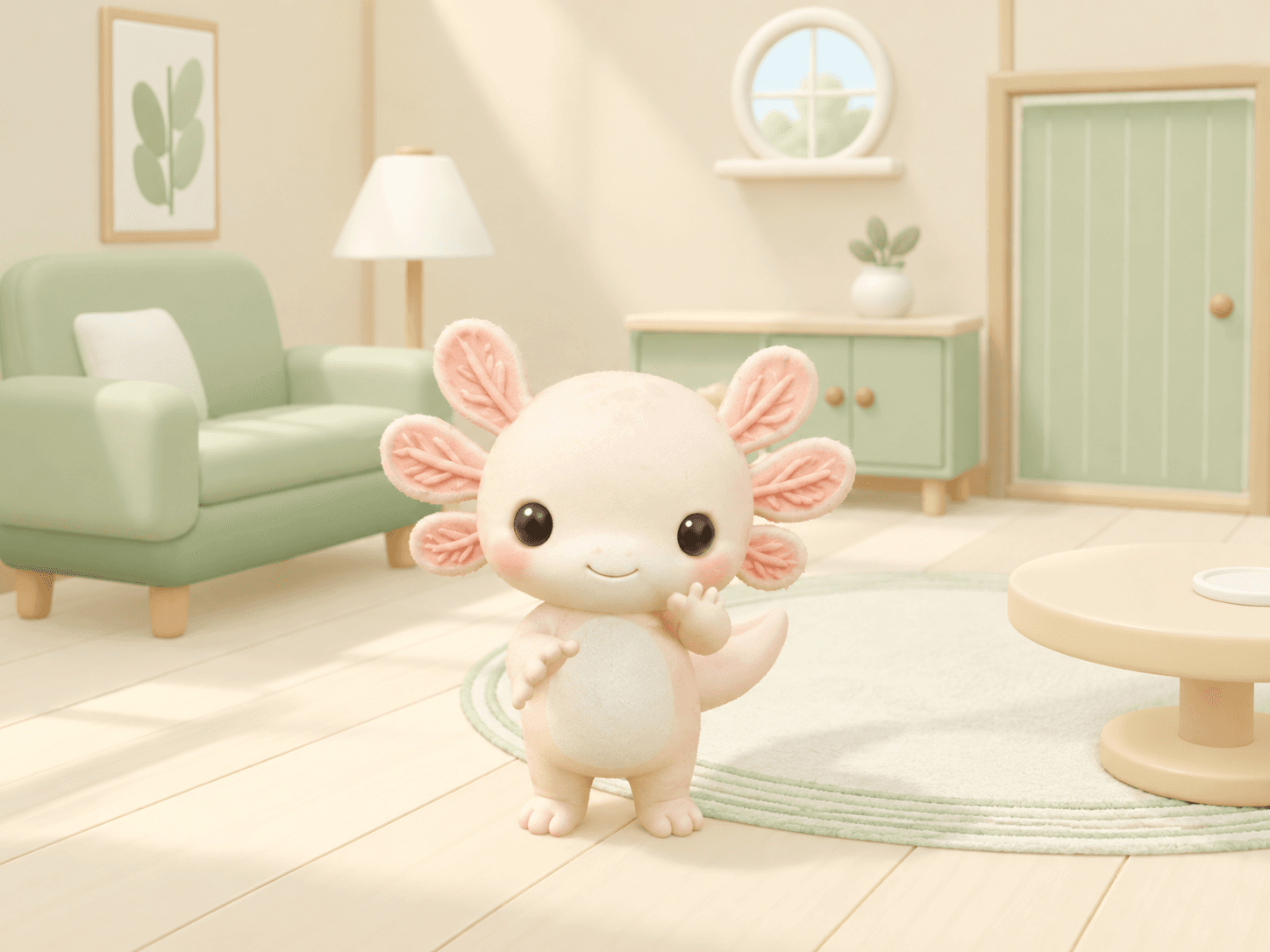
Pomu notices a first comment and comes to say hello. A speech bubble with the viewer’s name, a wave, and a little bow help you welcome someone new together.
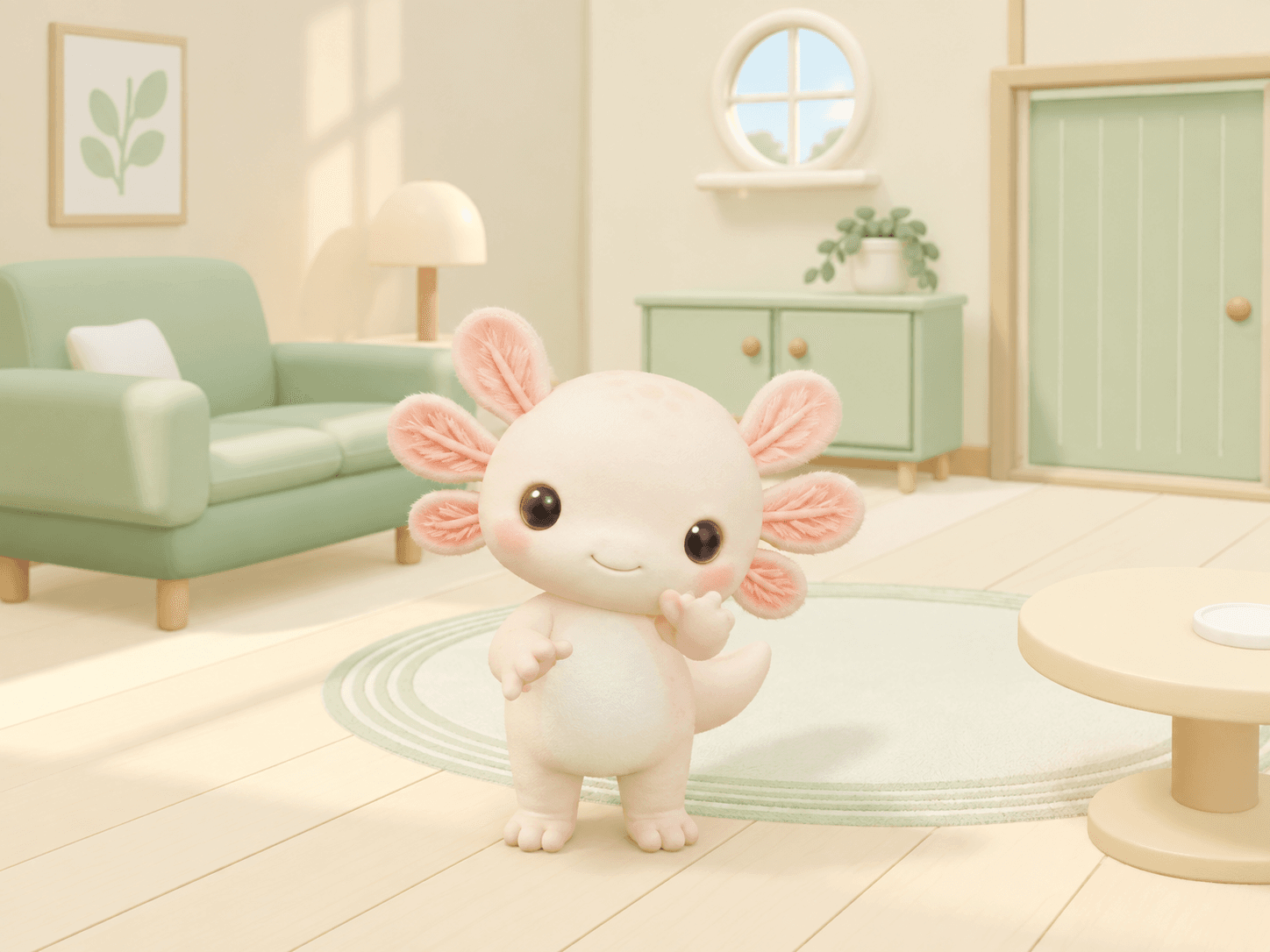
A greeting for the first comment of the day, too. The words change with the time of day and how long it has been, from “Lovely to see you” to “It’s been a while.”
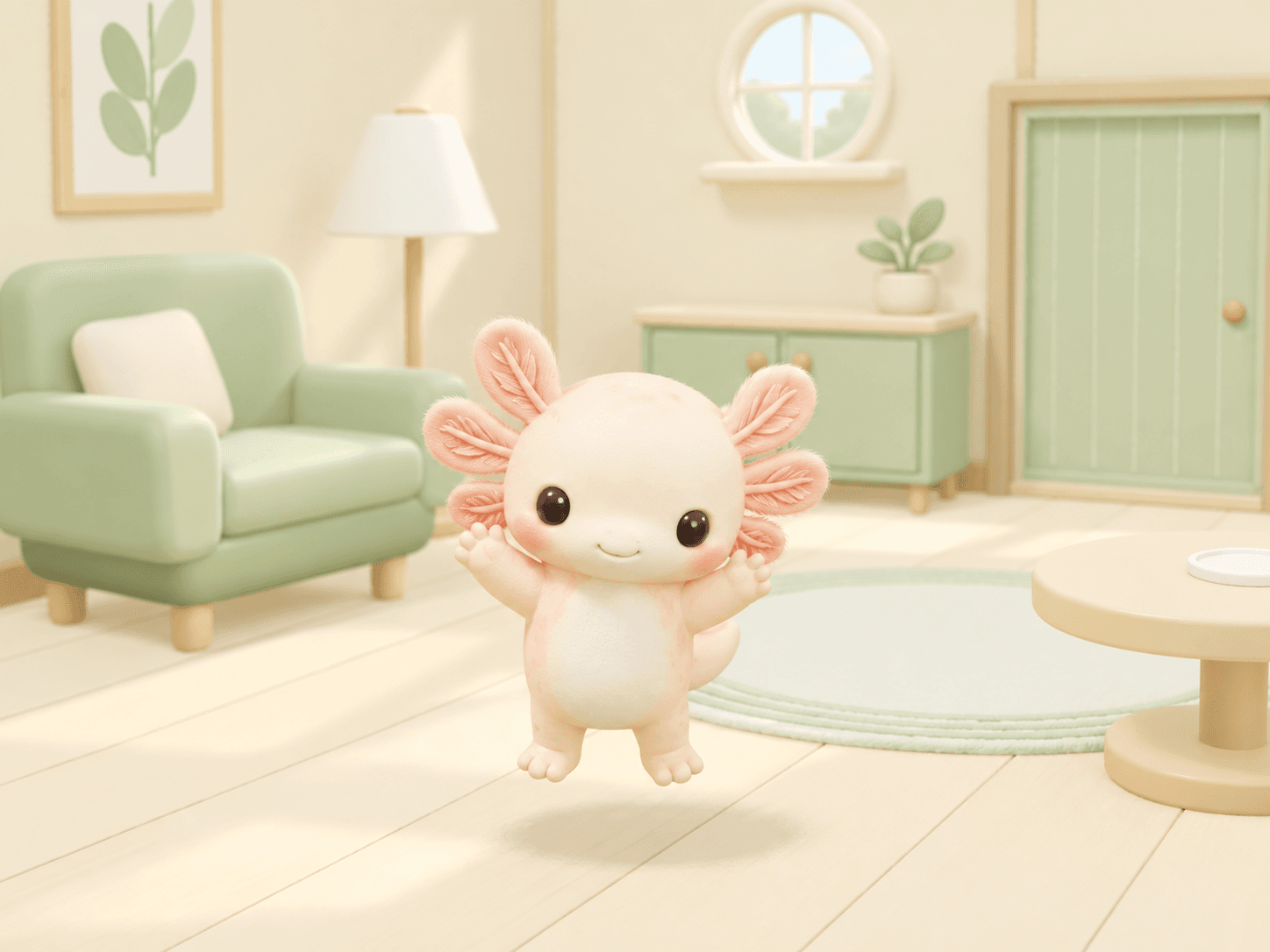
Pomu reacts to Super Chats, memberships, Twitch Bits, subscriptions, and more. A personal thank-you and a little happy hop show your appreciation.
Feature illustrations based on the app. Names in speech bubbles are examples.
OneComme and Streamer.bot integration is built in; no extra plugin is needed. First-time greetings depend on saved records and available metadata. When that information is missing, your pet uses a time-of-day greeting. Each person is greeted at most once a day, while your pet is home and your stream is confirmed live. Silent arrivals are not detected.
Little decorations respond to hearts and celebrations, gently blending into your stream. These automatic effects require OneComme. With Streamer.bot, you can try them in the in-app preview.
Minst is bringing together stream features you may once have bought separately. Following counters, greetings, and thank-you reactions, we plan to keep adding more tools you can use for free.
This is our plan for future additions. We will introduce each new feature when it is ready to use.Begin with Pomu. Find your favorite among nine little personalities.
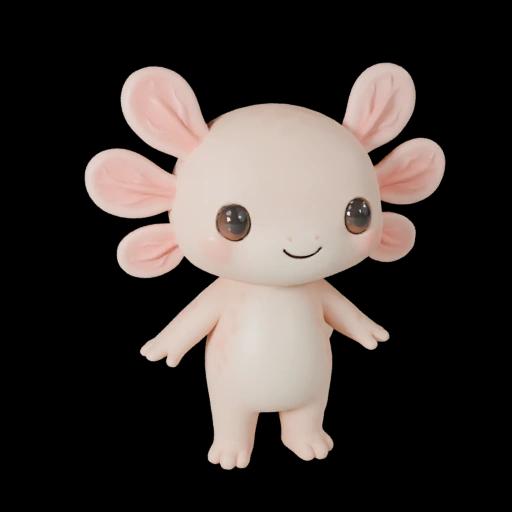
A tiny housemate with a sunny little smile.
A round face and pink, petal-like gills. Whether relaxing at home or welcoming a visitor, Pomu is someone you will want to keep an eye on.
Pink gills, just like flower petalsPomu is with you from the start. Each of the three cats costs 15 points earned in the app. No point purchases needed.
Welcome Mikenyan for 3,000 points or by purchase. Hotoken, Macchan, Berrychan and Mikepocha are also available to buy. PC purchases use product codes; Android offers in-app purchases.
Shared outfits, hats and accessories fit all nine pets. Mix and match for a look of their own.
Arrange furniture and try a new look. Choose from three free designs each for wallpaper, flooring, rugs, and doors.
Earn points through care, harvesting and crafting, too. Welcome pets and outfits, or turn materials into furniture. There is more to look forward to.
Up to 15/day · no stream needed
Once per stream
Once per stream
Daily-life points are capped at 15 per day, shared across linked PC and phone. Stream and room rewards are separate. An internet connection is needed to receive points.
Eight everyday activities, each with its own little gestures.
Invite them through Requests, or leave them to their own adventures.
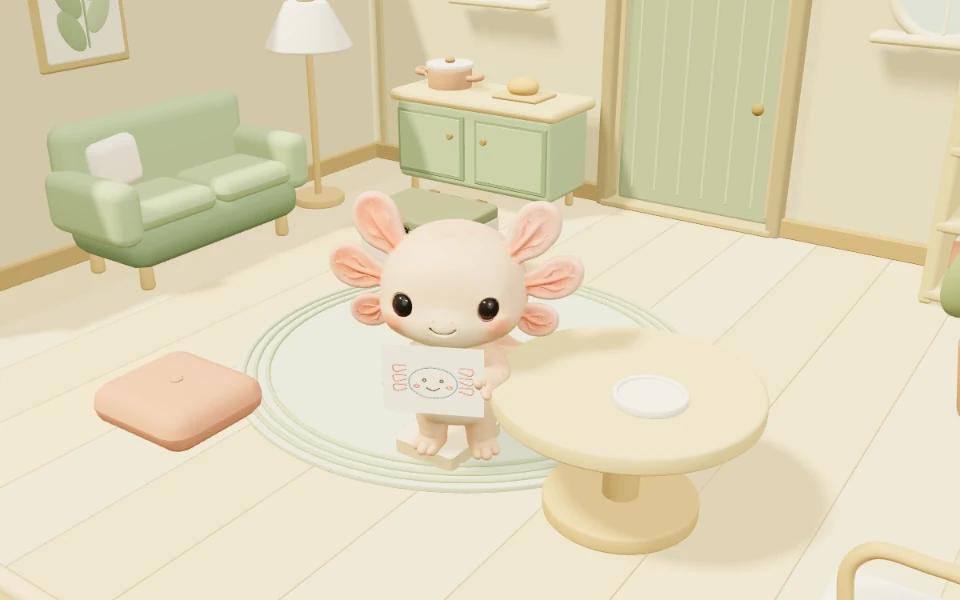
A few crayons, a burst of inspiration, and a masterpiece to show you. What will Pomu draw today?
Unlock crayons and add a table. Crayons can be used again and again.Requests also include snacks and gentle pats.
Keep Mini view beside your game or conversation.
When something catches your eye, show the whole home.
Or hide the walls and floor to blend into your stream.
Mini view is 640 × 400; Full home is 1280 × 800. Furniture, rugs, and speech bubbles stay visible when walls and floors are hidden.
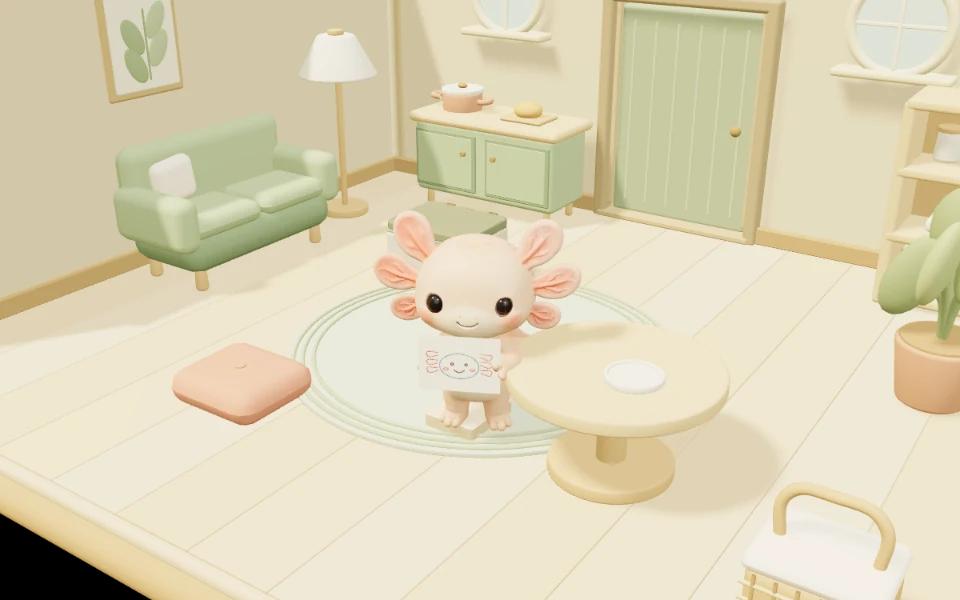
Fill the box with a warm welcome and a little playfulness.


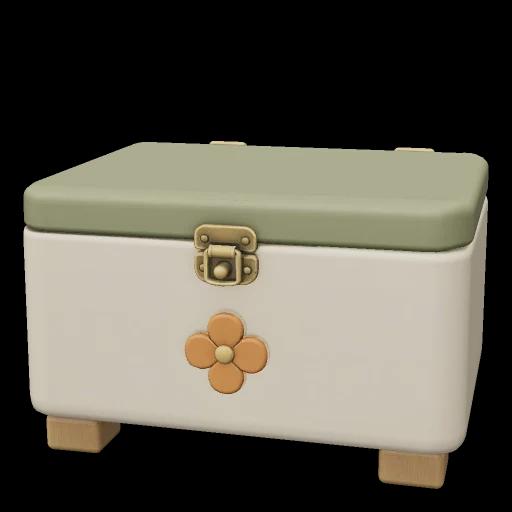
What shall we offer today?
A sweet little break with a cute snack. What will you offer when a guest comes over?
Fill your gift box with your favorite three items.
Then leave the rest to your pets.
Pick three unlocked items from 10 gifts, including water. Once you have a gift, using it does not use it up.
Where did they come from? That’s a secret.
Just pets, enjoying a little freedom.
No stream, points, or invitations needed.
Open Little life and begin with a tiny seed.
Choose a pot, seed, and color in Garden.
Your first plant grows in about two minutes. Watering makes it a little quicker.
Start with a little drawing, and give it a name you love.
Find it in Album, and display your favorite in the room.
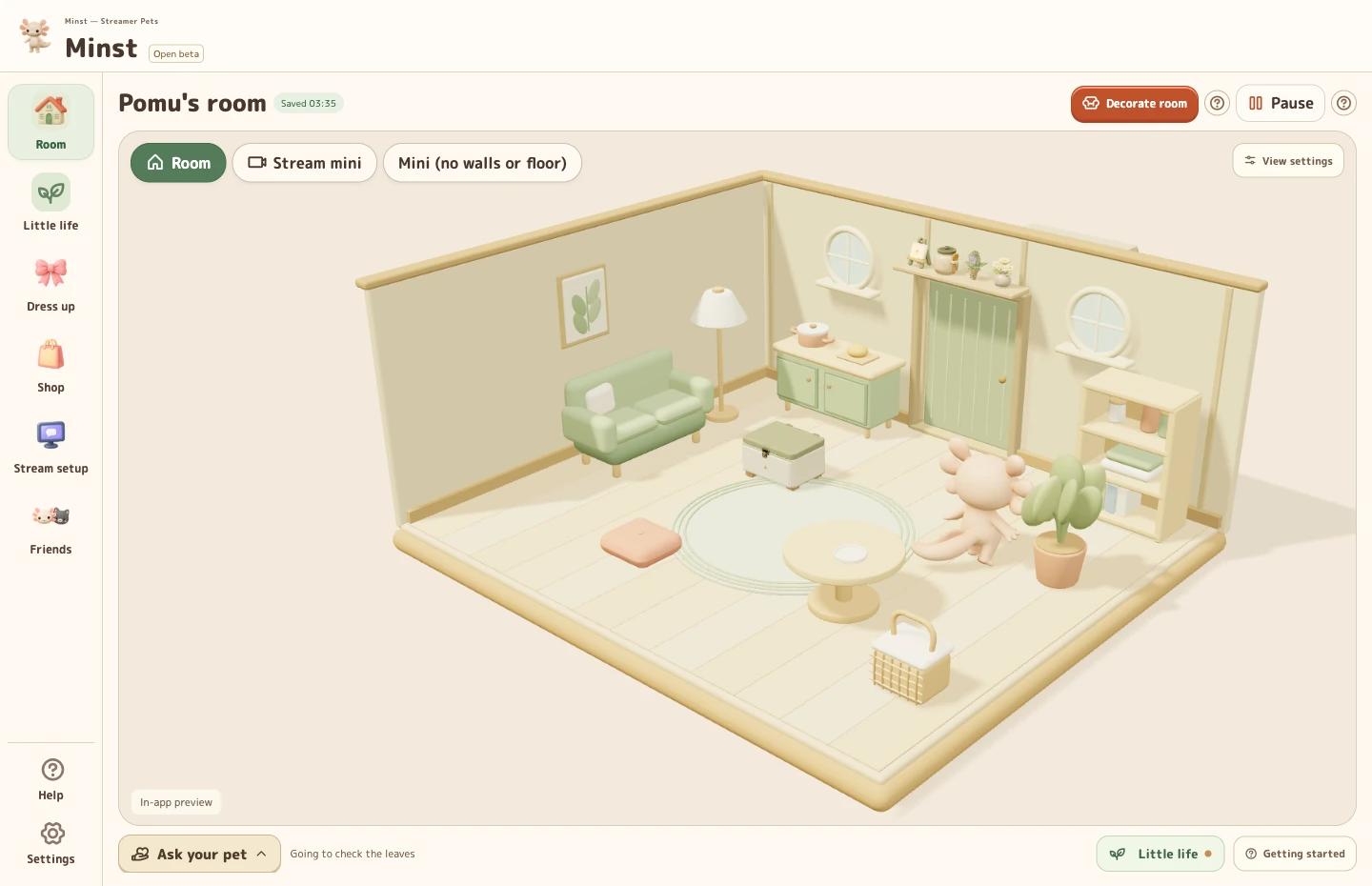
Choose OneComme or Streamer.bot and connect.
Select your own channel.
Save and check before going live.
Copy the display URL
into an OBS Browser Source.
Use the in-app tests
to try greetings and effects.
Chat integration is built in. Test effects appear only in the app preview.
Viewers enter the five-character room code in General Mode on Windows or Social on Android. No OneComme, Streamer.bot or OBS setup is needed.
 What is it?
Yes. Minst Pocket is now available in open beta on Google Play. Select “Download for Android” on this page to visit the store. Check the Google Play listing for device compatibility and availability.
Start on Android with Google sign-in and no PC required. Link using the same Google account to continue with the same pet, room and belongings, taking turns between devices. This does not create two independent simultaneous saves. OBS and chat integration remain PC features.
Yes. With regular social visits enabled, pets can visit between Android and PC in General Mode, on stream or off. Other players are prioritized; app characters may visit after a period without an available player. This is separate from Google account linking, which lets you continue your own pet’s life on another device. Code-based private rooms keep visits between the streamer and participants.
There are nine tunes: three for each of three growth stages. A tune is chosen from the current stage without repeating the previous tune back to back. Instrument volume and mute can be adjusted separately from sound effects.
Yes. Walk results stay until you close them, even after restarting the app, and you can dismiss them together. At home, you can also see time remaining and progress for walks, making keepsakes, activities with friends and furniture crafting.
Gather materials in the garden and on walks, then craft from the journal’s recipes. There are 21 craftable pieces across Forest Tea Party, Stars & Moon and Cloud-soft Naps. Some recipes unlock through exploring and everyday experiences. Claim completed furniture and place it in your room. Three rare exploration finds are separate from crafting recipes.
Visits from other players and Rapiusa count, once per pet type per day in Japan time. Your own pets invited through Together and visits from app characters (NPCs) do not count. Each 30 stamps starts a new card; normal, silver and gold trophies arrive at 30, 100 and 200 stamped days. Taking a day off never removes stamps.
Yes. Open Little life to garden, create, explore, and spend time with neighborhood friends. You do not need a stream, points, or other players. Neighborhood friends are in-app characters you can meet offline. Online anonymous visits and viewer rooms require an internet connection.
Plants never wither, and there is no penalty for missing days. Work, walks, and other activities already started can make up to eight hours of progress while the app is closed. If you close it while paused, your pet keeps resting.
They are different. Gardening, crafting and exploring develop each pet’s talents and preferences. Everyday actions such as care, harvesting and crafting can earn up to 15 points per day; stream and room rewards are separate. Verified time on your own stream also grows your bond.
Live with a little pet, garden, explore and make keepsakes and furniture. The free Windows app is in open beta, with stream greetings, thank-you reactions and counters. Minst Pocket for Android is now in open beta on Google Play: play on your phone or link it to your PC and continue with the same pet.
The Windows app, Little Life, furniture crafting, visit stamps and the streaming features shown here are free. Start with Pomu; welcome the three original cats for 15 points each, or Mikenyan for 3,000 points or by purchase. You do not need to buy points. Some additional pets and supporter items are paid.
The app itself is the same in both editions. The Donation Edition is for people who enjoy Minst and would like to support its continued development. If you like this little world, your support is welcome. As a small thank-you, the Donation Edition includes exclusive items that are not available in the Standard Edition.
Start on a Windows PC or an Android device supported by the Google Play listing. Android requires Google sign-in. For streaming, use the Windows app with OneComme or Streamer.bot 1.0.7 or later on the same PC, and add an OBS browser source. No extra plugin is needed. Follow Stream Setup and the in-app help.
Yes. The latest Minst connects to Streamer.bot 1.0.7 or later through its WebSocket Server on the same Windows PC. Simultaneous YouTube and Twitch streaming is supported; monitor one broadcast per YouTube channel. Choose one comment app at a time: OneComme or Streamer.bot. Switching keeps your room, items, points, and OBS URLs. If authentication is enabled, re-enter the password after restarting Minst or switching away from Streamer.bot and back.
Your host sees things such as your pet’s type, outfit, and gifts. Your custom pet name, channel name, stream URL, and chat messages are not shared with them. Normal visits do not include choosing a specific person or direct messaging. Viewers in rooms join through the same system. Chat greetings on your own stream are a separate feature and use the viewer’s display name in speech bubbles.
Yes. Enter the streamer’s five-character code in General Mode on Windows or Social on Android. Viewers do not need OneComme, Streamer.bot or OBS. In a private room, visits are between the streamer and participants, not between viewers or separate rooms. Rapiusa may visit too. The room closes when the stream ends; join the next stream with its new code.
Minst responds to new chat messages and supported payment, subscription, and gift-purchase notifications from OneComme or Streamer.bot. When first-message information is missing, your pet uses a time-of-day greeting. Silent arrivals cannot be detected. Each person is greeted at most once a day, resetting at 5:00 a.m. Japan time (JST). Reactions appear while your pet is home and your stream is confirmed live. They do not appear while your pet is away, paused, or the room is being decorated. Greetings and thanks can be switched on or off separately.
Yes. Hang it on the room wall or show only the counter in OBS with a transparent background. Both comment apps support YouTube concurrent viewers and likes, and Twitch concurrent viewers. A clock is included. Subscriber and follower totals are available through OneComme; they show “—” with Streamer.bot. Unavailable, disconnected, or stale counts also show “—”. Keep Minst and your selected comment app running while displaying the counter.
Once the room and three items in the gift box are ready, you can leave the pets to it. There are eight daily activities: reading, tea time, plant care, drawing, napping, yarn play, window time, and cleaning. You can also choose an activity from Requests. Activities need the appropriate furniture or tools. Outgoing visits, incoming guests, and sounds can be toggled separately. Visits require an internet connection.
Yes, with Mini view (no walls / floor). It hides the walls, floor, door, windows, and wall counter while keeping your pet, furniture, rug, gifts, speech bubbles, and shadows on a transparent background. Standard Mini view and the no-walls/floor version use a base size of 640 × 400; Full home uses 1280 × 800. A separate transparent counter-only view is also available.
Minst receives YouTube reaction data through OneComme and shows five small effects: hearts, petals, confetti, sparkles, and stars. The decorations float gently across the scene. Streamer.bot does not support these automatic effects, but the in-app preview tests are available. If OneComme receives several streams at once, reaction data may not be separable by stream.
Care, harvesting and completing keepsakes or furniture earn up to 15 daily-life points, shared across a linked PC and phone. Separately, verified stream starts or accepted room joins earn 15 points once per stream; regular Rapiusa deliveries earn 10 points at most once a day. Days reset in Japan time, and receiving points needs a connection. Simply leaving the app open or gaining comments or likes does not earn points.
Alongside regular deliveries, the Minst team may send points or messages. A delivery sent to everyone applies to homes that exist when it is sent, and normally must be claimed within 14 days. Check the deadline in the notice. Multiple deliveries are combined into one visit, and individual messages can be read in Rapiusa delivery history in the Shop. Points you have claimed remain yours after the deadline.
Start life with Pomu on your next stream.
Welcome your pet for free, and help shape everyday life in Minst.
See BOOTH and the included instructions for the latest version and setup guide.
Found something, or have an idea? Send feedback. Please include the app version and a description of what happened.
This page includes actual app views, English guide illustrations, and images showing Minst’s world and features.For Minst and Minst Pocket, now in open beta: how Google sign-in, pet saves and deletion requests are handled.











Connect your comment app
OneComme
Streamer.bot 1.0.7 or later
See the in-app Help for detailed settings. With Streamer.bot, greetings and visits become available after fresh events confirm that your stream is live.